


I usually travel with carry-on-sized luggage and a backpack. But if I’m checking in my luggage, you’d best believe there’d be an AirTag in it.
Disclosure: Some of the links on this page are affiliate links, meaning I may earn a commission if you click through and make a purchase — at no additional cost to you. All opinions are my own.
What Actually Happens When Your Bag Doesn’t Show Up
No one wants to deal with delayed luggage, ever. You stand at baggage claim watching the belt go around. Everyone else collects their bag and leaves. After seeing the same unclaimed luggage go around five times, you finally decide it’s time to talk to an attendant, and you know where it goes from there.
An AirTag doesn’t fix the delay, but it tells you where your bag is. The last time I travelled, my luggage was stuck on a connection back in the Seattle-Tacoma Airport. While the attendant warned us the ping might be delayed, Apple clearly shows the time of the last update. We could see that the bag was currently in SeaTac. While there was nothing we could do but wait for the luggage to be delivered, it was at least reassuring to know it hadn’t been picked up by some stranger.
How I Actually Use the AirTag
I keep an AirTag in a silicone holder clipped internally inside my checked bag. The holder protects it and keeps it from bouncing around, and clipping it internally means it’s not visible or accessible from outside.
The Find My app on iPhone shows you the last known location of your AirTag, updated whenever it pings off any Apple device nearby. In busy airports, it updates pretty often. In the cargo area, it updates less often, but you get the general picture of where your bag is. It’s easy to add an AirTag to your iPhone following the instructions that come with it. You can name it, add an icon, and share it with others in your family or traveling group.
I’ve had to change the AirTag batteries before, and it was pretty easy to do. Here’s Apple’s video on how to replace the AirTag battery.
A Few Things Worth Knowing Before You Buy
It only works seamlessly if you have an iPhone.
Android users can detect an AirTag that’s been traveling with them for a while (Apple added this to address stalking concerns), but you can’t actively track one. If you’re on Android, then Tile or Samsung SmartTags are the equivalent. I’ve personally used Tile before and thought they worked well for my keys.
Airlines know they exist and mostly don’t care.
Will the airline make you remove it? The FAA and most international equivalents allow passive Bluetooth trackers in checked luggage. I’ve never been asked to remove one.
They are not perfect.
In very remote locations or on small regional carriers with less Apple device traffic nearby, the updates are less frequent. On a flight between two major cities, you’ll have frequently updated location data. Therefore, manage your expectations accordingly.
The stalking concern is real and Apple has addressed it.
AirTags will notify nearby iPhones if an unknown tag has been traveling with them. It means if someone slips one into your bag without your knowledge, you’ll be alerted. Worth knowing, not worth being alarmed about.
Bottom Line
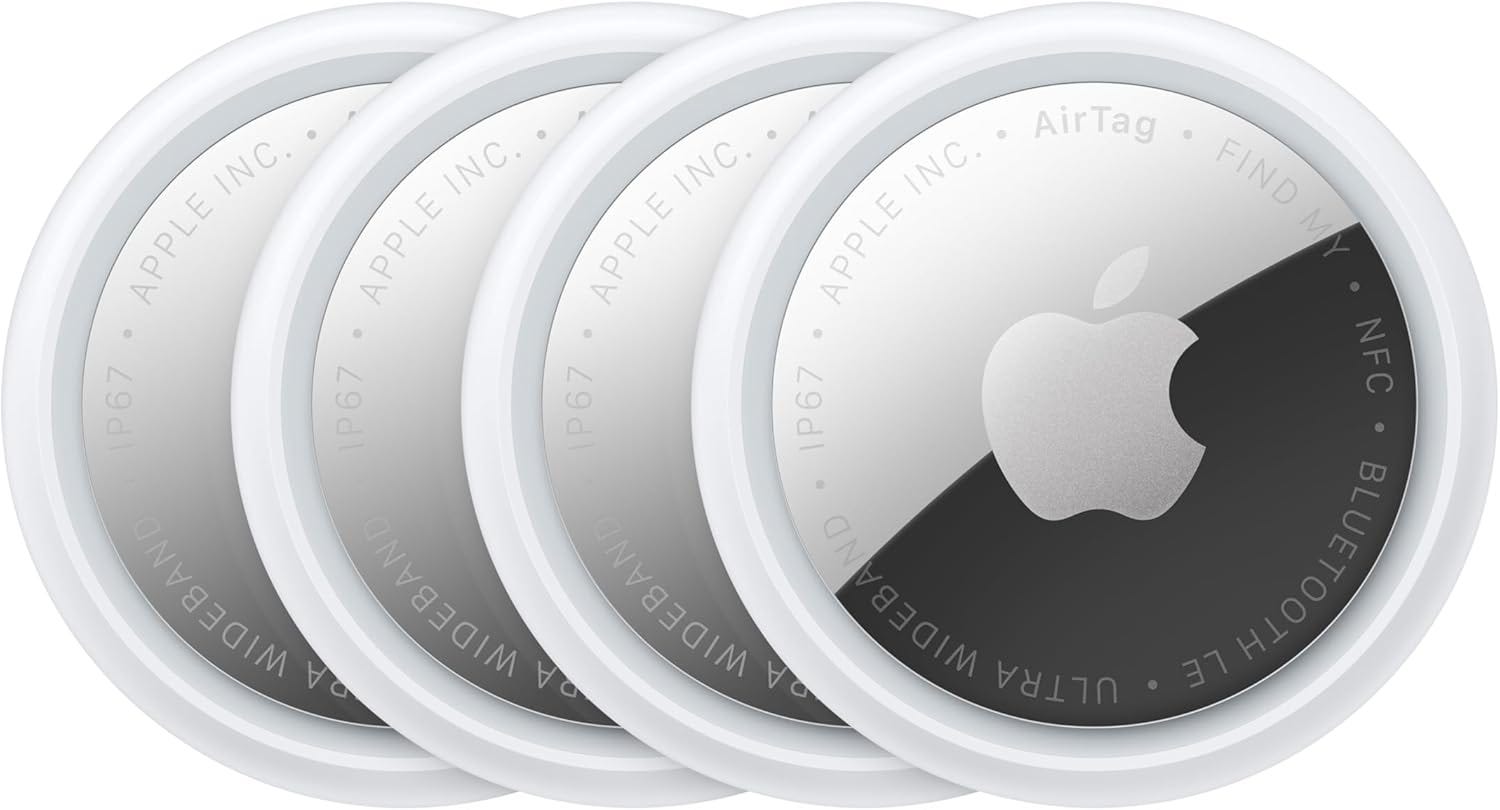
A single AirTag costs around $29. A 4-pack is around $99, which works out to about $25 each.
I’ve used them on every trip for the past two years. They’ve given me peace of mind on normal trips when I see the bags moving to the plane with me, and it was useful information on the last time my bag was delayed. If you check bags at all, just get one. Or four.