


I have found the Google Map lists works best on the phone, so the instructions below are all screenshots from mobile.
Saving the List
When you open the link to the Google Map List that I share, you can click “Save List”.
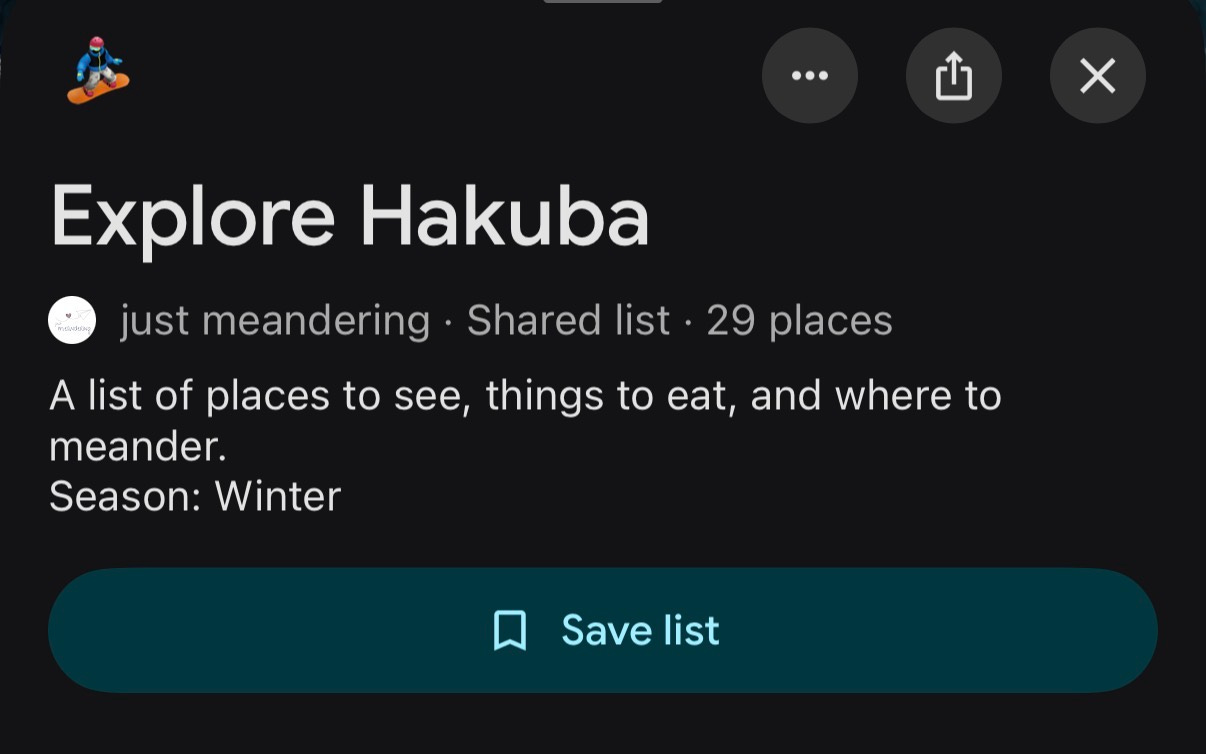
Using the List
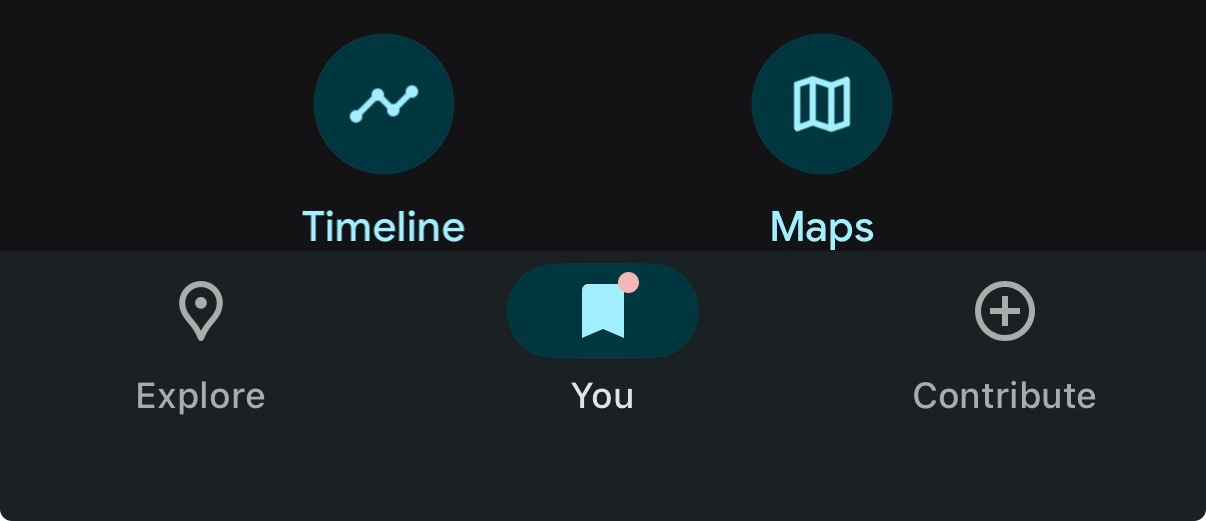
Once you have it saved, you can easily pull up the Google map list again by clicking on “You”.
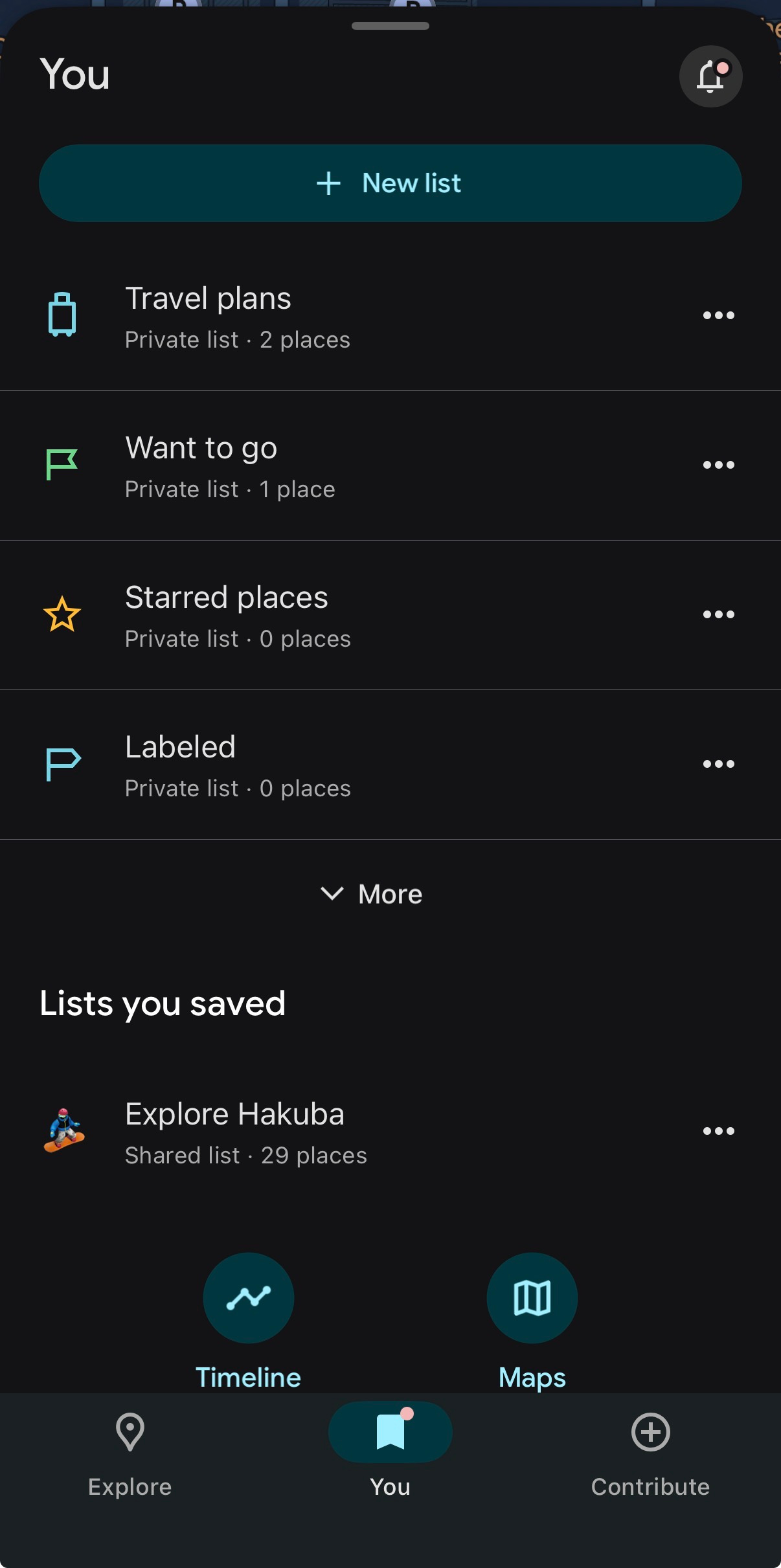
Then select the Google map list you wish to open:
I recommend sorting by distance for the most useful view.
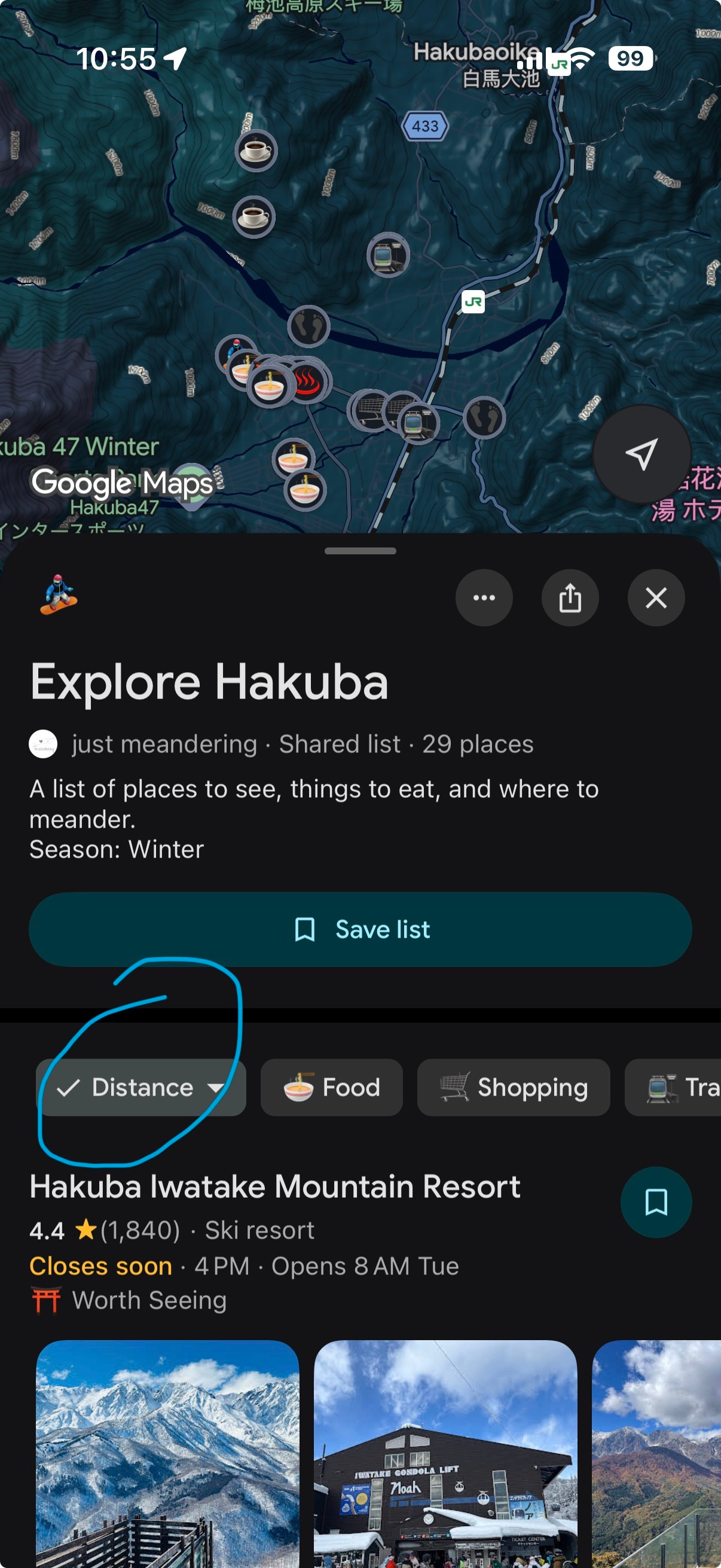
To filter, click on any tag. For example, clicking "🍜 Food" will narrow the list down to all food location saves.
How the List is Organized
The Google map list is organized with tags, so you can focus only on what you need when you click on a certain tag. Below is a sample of some of the tags I generally make:
🍜 Food: Restaurants, Izakayas, and places I ate at for meals or reliable standbys.
🚊Transit: Train stations and key transit points I used or noted for efficient travel.
☕️ Coffee & Bakeries: Coffee, tea and pastries
🍶 Bars & Wine: All izakayas can be considered drinking establishments but this is when the focus is on the drink more than the food
An example post with a Google Map list to get you started:
